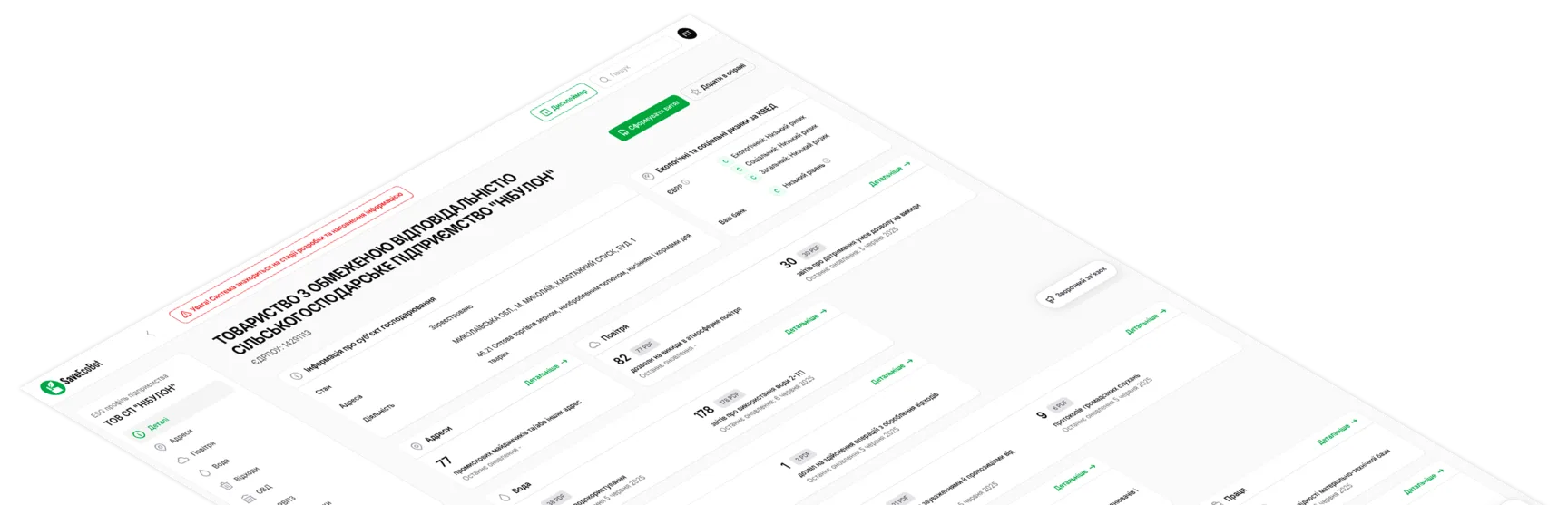
Unless stated otherwise, this page refers to Ukrainian companies and individual entrepreneurs and uses identifiers from Ukrainian public registries.
ESG SaveEcoBot API provides access to ESG profiles of Ukrainian enterprises and individual entrepreneurs through a Bearer API key. The main enterprise identifier in the API is registry_id (EDRPOU for companies or RNOKPP for individual entrepreneurs in Ukraine).
This page helps you quickly understand the API structure, authorization format, and the main response conventions. All ESG SaveEcoBot API responses are returned in JSON format, except file download requests.
The documentation is split into separate pages by entity and data section. Use the navigation on the left to move between sections: from enterprise details to specific data domains, files, and dictionaries.
A separate Changelog page is also available to record important documentation and structure updates.
Interactive API documentation
Interactive Swagger UI documentation provides a visual interface to understand all available endpoints and request/response schemas. It also allows you to test API calls directly in your browser with your Bearer token.
Our OpenAPI spec
You can download our OpenAPI specification file to use it with your favorite API tools and SDK generators.
Authorization
All ESG SaveEcoBot API requests use a Bearer API key. To obtain one, please contact the team at [email protected].
Example request
$ ESG_API_TOKEN="your_api_token"
$ curl "https://esg.saveecobot.com/api/v1/me" \
  -H "Authorization: Bearer $ESG_API_TOKEN" \
  -H "X-Request-Id: crm-sync-2026-05-14-001" \
  -H 'Accept: application/json'
Request ID
If needed, the client may send its own request identifier in the X-Request-Id header. This is useful for debugging and matching logs between your system and ESG SaveEcoBot API:
- if
X-Request-Idis provided, the API uses that exact value; - if
X-Request-Idis not provided, the API generates one automatically; - the value is returned both in the
X-Request-Idresponse header and instats.request_id.
Response headers
Every API response includes service headers:
X-Request-Id: request identifier. If you sent one yourself, the API returns the same value. If not, the API generates it automatically.X-Response-Time-Ms: response generation time in milliseconds.
Successful response format
{
  "results": {},
  "stats": {
    "request_id": "uuid",
    "response_time_ms": 21
  }
}
Response fields
results: main data block that depends on the specific request.stats.request_id: identifier of the specific HTTP request.stats.response_time_ms: request processing time in milliseconds.
Error format
{
  "error": {
    "code": "not_found",
    "message": "Resource not found.",
    "details": null
  },
  "stats": {
    "request_id": "uuid",
    "response_time_ms": 12
  }
}
Response fields
error.code: machine-readable error code.error.message: short textual error description.error.details: additional details, if provided.stats.request_id: request identifier that can be shared with support.stats.response_time_ms: request processing time in milliseconds.
Enterprise block in enterprise responses
All enterprise requests automatically include a short enterprise block inside results, so it is always clear which enterprise the returned data belongs to.
The exception is the enterprise details request, where enterprise already contains the full main data set.
The short block looks like this:
"enterprise": {
  "type": "company",
  "registry_id": "00178353"
}
Fields
enterprise.type: enterprise type. Possible values:companyorfop.enterprise.registry_id: enterprise identifier. Forcompanythis is EDRPOU, forfopthis is RNOKPP.
Pagination
All list endpoints use the same pagination block:
"pagination": {
  "current_page": 1,
  "per_page": 20,
  "total": 57,
  "last_page": 6
}
Pagination fields
pagination.current_page: current page number.pagination.per_page: number of records per page. A fixed value of20is used.pagination.total: total number of records in the result set.pagination.last_page: number of the last available page.
Pagination parameters
page: page number.
Filtering
All filters in ESG SaveEcoBot API are passed as query parameters in the URL.
For example:
?domain=air?report_type_id=9
If a request supports several filters at once, they can be combined in one URL, for example:
$ ESG_API_TOKEN="your_api_token"
$ curl "https://esg.saveecobot.com/api/v1/enterprises/00178353/reports/air?report_type_id=9&page=2" \
  -H "Authorization: Bearer $ESG_API_TOKEN" \
  -H 'Accept: application/json'
Current API key information
GET /api/v1/me
The response returns information about the current API key, as well as the account name, access period, limits, and current usage.
Example request
$ ESG_API_TOKEN="your_api_token"
$ curl "https://esg.saveecobot.com/api/v1/me" \
  -H "Authorization: Bearer $ESG_API_TOKEN" \
  -H "X-Request-Id: crm-sync-2026-05-14-001" \
  -H 'Accept: application/json'
Example response
{
  "results": {
    "api_account": {
      "name": "Demo account",
      "all_registry_ids_allowed": false,
      "allowed_registry_ids": ["00178353", "03348471"],
      "billing_cycle": {
        "starts_at": "2026-05-01T00:00:00+03:00",
        "ends_at": "2026-05-31T23:59:59+03:00"
      },
      "limits": {
        "daily": {
          "enterprises": null,
          "data_requests": null,
          "downloads": null
        },
        "monthly": {
          "enterprises": null,
          "data_requests": null,
          "downloads": null
        },
        "period": {
          "enterprises": 5000,
          "data_requests": 120000,
          "downloads": 24000
        }
      }
    },
    "current_key": {
      "name": "Production key",
      "last_used_at": "2026-05-14T11:00:00+03:00"
    },
    "usage": {
      "account": {
        "daily": {
          "starts_at": "2026-05-14T00:00:00+03:00",
          "ends_at": "2026-05-14T23:59:59+03:00",
          "total_requests": 25,
          "enterprises": 10,
          "data_requests": 18,
          "downloads": 3
        },
        "monthly": {
          "starts_at": "2026-05-01T00:00:00+03:00",
          "ends_at": "2026-05-31T23:59:59+03:00",
          "total_requests": 180,
          "enterprises": 52,
          "data_requests": 137,
          "downloads": 14
        },
        "period": {
          "starts_at": "2026-05-01T00:00:00+03:00",
          "ends_at": "2026-05-31T23:59:59+03:00",
          "total_requests": 180,
          "enterprises": 52,
          "data_requests": 137,
          "downloads": 14
        }
      },
      "current_key": {
        "daily": {
          "starts_at": "2026-05-14T00:00:00+03:00",
          "ends_at": "2026-05-14T23:59:59+03:00",
          "total_requests": 11,
          "enterprises": 4,
          "data_requests": 7,
          "downloads": 1
        },
        "monthly": {
          "starts_at": "2026-05-01T00:00:00+03:00",
          "ends_at": "2026-05-31T23:59:59+03:00",
          "total_requests": 84,
          "enterprises": 24,
          "data_requests": 63,
          "downloads": 6
        },
        "period": {
          "starts_at": "2026-05-01T00:00:00+03:00",
          "ends_at": "2026-05-31T23:59:59+03:00",
          "total_requests": 84,
          "enterprises": 24,
          "data_requests": 63,
          "downloads": 6
        }
      }
    }
  },
  "stats": { "request_id": "crm-sync-2026-05-14-001", "response_time_ms": 43 }
}
Response fields
results.api_account
name: account name.limits.daily: optional daily limits. If a value isnull, the corresponding daily limit is not applied.limits.monthly: optional monthly limits. If a value isnull, the corresponding monthly limit is not applied.limits.period: limits for the current billing period.limits.*.data_requests: successful enterprise-data request limit. Every pagination page and repeated request is counted separately.limits.*.downloads: unique-document limit. An original document and its receipt share one billable identity.
The daily window is a Kyiv calendar day. The monthly window is anchored to the billing-period start date rather than the first day of a calendar month. A null daily or monthly limit means that the additional limit is not applied.
A unique enterprise and a unique document are charged once for the entire billing period. Every successful enterprise-data request is charged. Requesting a receipt counts as obtaining its document, so downloading the original after its receipt, or the receipt after its original, does not charge that document again. Error responses do not increase billable counters, but they are included in total_requests.
Usage scopes contain starts_at, ends_at, total_requests, enterprises, data_requests, and downloads. account contains account-wide usage used for limits; current_key provides attribution for the current key.
Document receipts
In API responses, a receipt field is available next to each document download link and points to its PDF receipt. The receipt is generated specifically for your API account and contains the available file metadata, including the document title and type, the source and its holder, the responsible authority, when the file was retrieved from the original source, the original file URL, its size and format, and other available details.
The receipt also contains a QR code linking to its authenticity verification page in ESG SaveEcoBot.